Listen to
your towers.
FLUX connects every mechanical parking tower, whatever its age or make, to the people who keep it running.
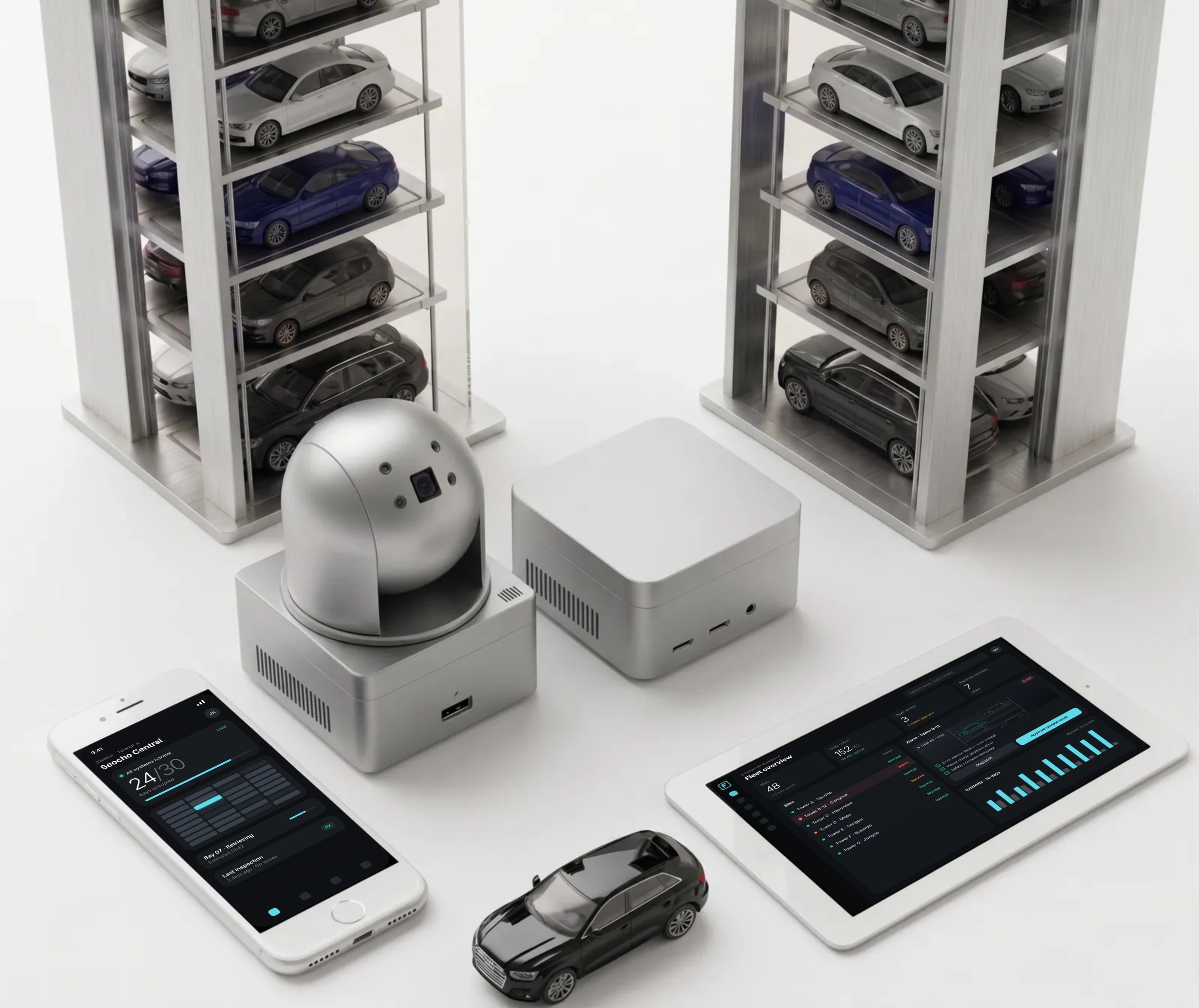
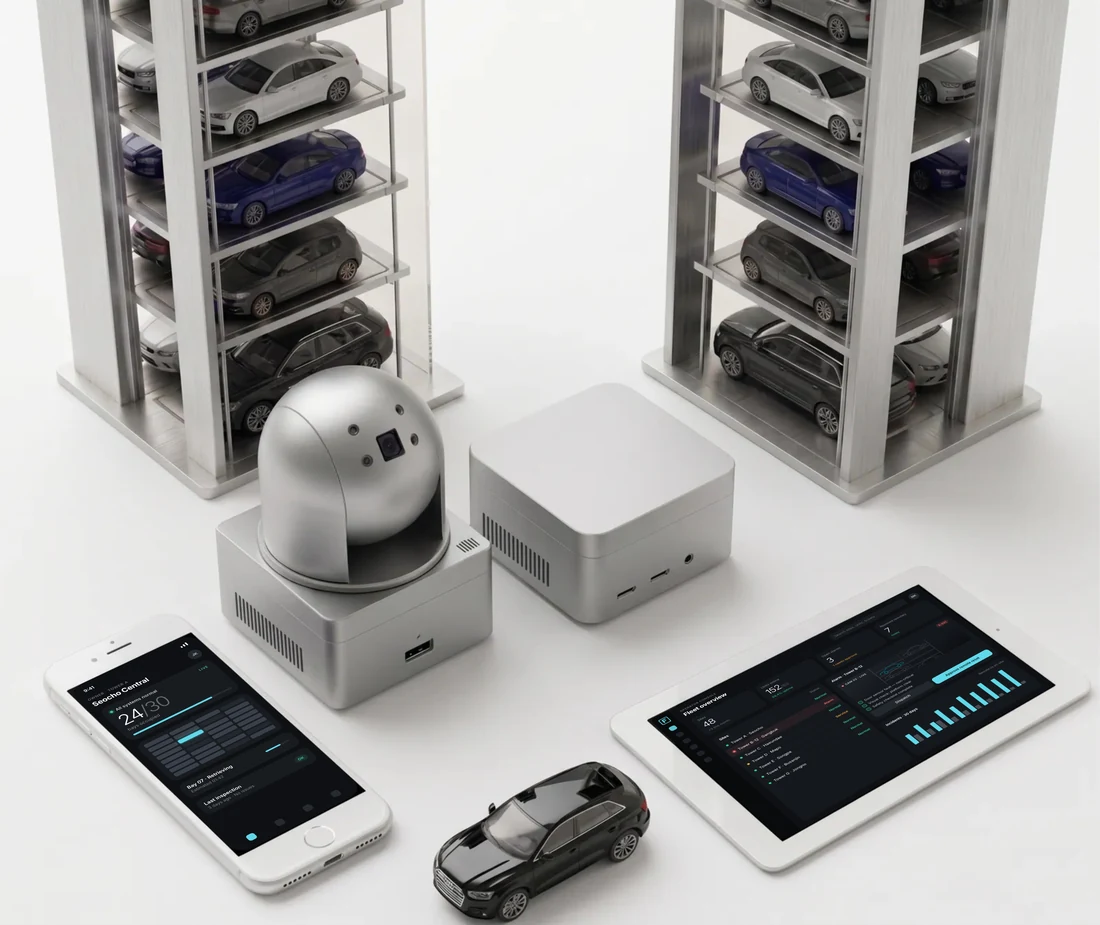
What the pilot showed · Pilot programme: 3 sites, 153 units, 3 weeks. Seoul and Busan, 2026.
System uptime
Average time to detect a fault, against roughly two hours by phone
Incidents resolved remotely, 30 of 54
Lower monthly operating cost per site
Results from live operation during the pilot. Results at individual sites will vary.
Now the tower calls first.
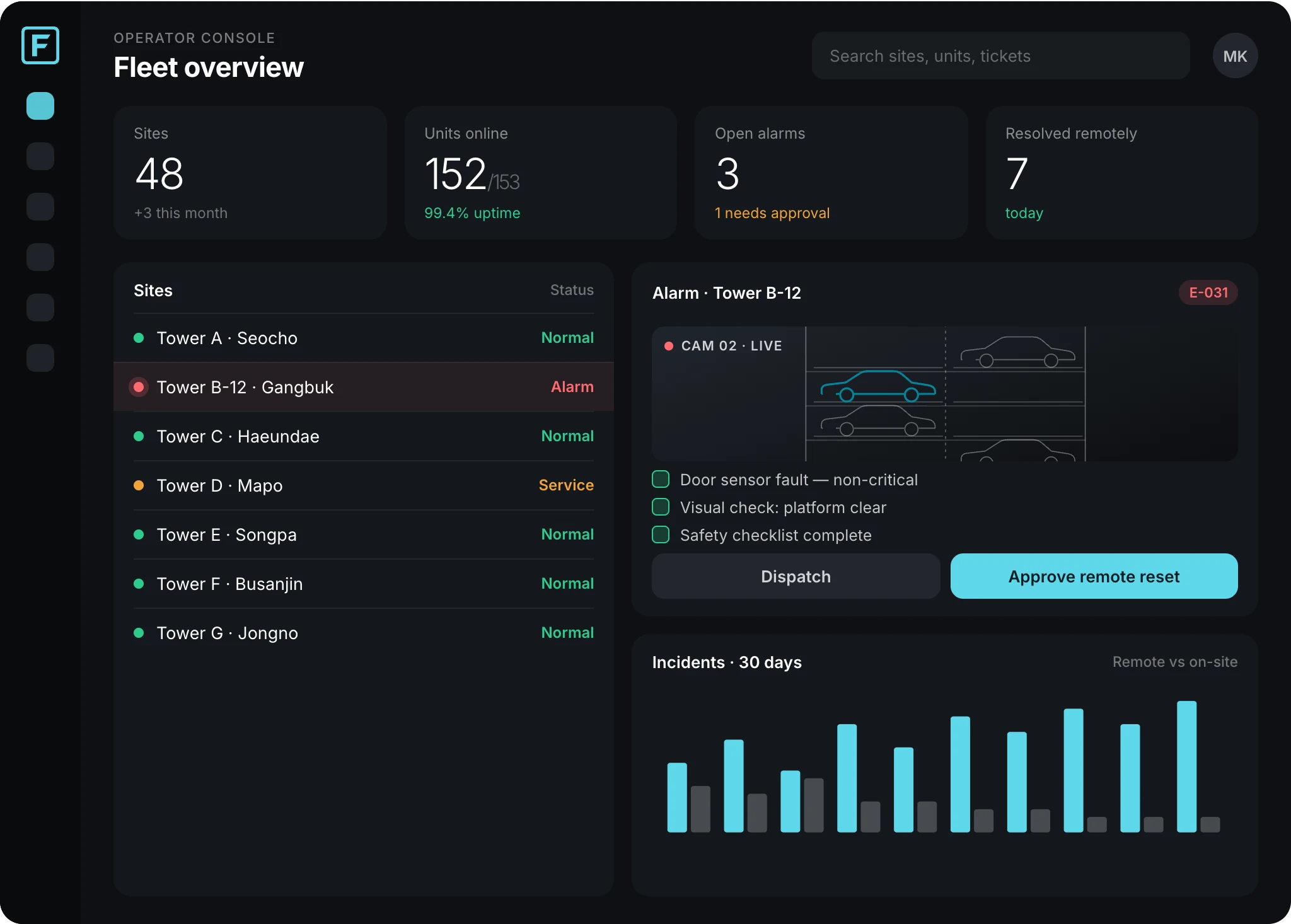
When something fails, the tower reports it, safety is checked, and the fault is cleared from the office. Technicians only leave when they are really needed.
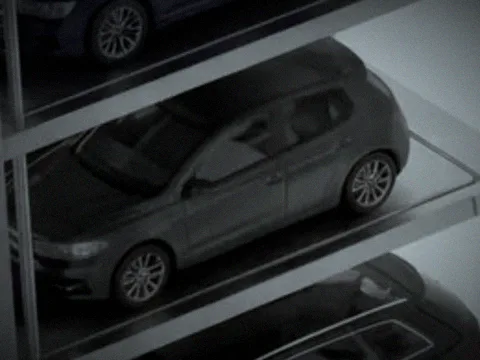 Vehicle in position CAM 02 · LIVE
Bay 07
0 call-outs · 48 s downtime
- 09:12:04 Alarm E-031 · door sensor fault
- 09:12:04 Classified · non-safety fault, remote action allowed
- 09:12:31 Camera check · no people, vehicle in position
- 09:12:48 Safety checklist done · operator approved
- 09:12:49 Gateway executes remote reset · acknowledged
- 09:12:52 Back to normal · resolved without a call-out
Every morning, somewhere, a parking tower stops.
The driver calls the building. The building calls the maintenance company. Two technicians get in a van. Two hours later one of them presses a reset button, and the tower starts again.
Mechanical parking has been looked after this way for forty years. The towers always knew what was wrong. Nobody could hear them.
FLUX changes that. A small gateway listens to the tower's own controller and tells the right people what it needs, while there is still time to act.
Now the tower calls first.
Most call-outs don't need a technician.
In our field data, most fault calls turn out to be false alarms or faults a simple reset would clear. Each of them still sends a crew.
of fault calls are false alarms or simple resets. Each one still sends a two-person crew.
from fault to technician on site on a typical day. The tower waits, and so do the drivers.
is the average age of PLC field technicians. Around 40% are expected to retire within five years.
mechanical parking bays in Korea alone. Three in four are more than ten years old.
Sources: Gigto field research and Korean industry data, 2025–2026. Korea is FLUX's home market.
One small box changes how parking is run.
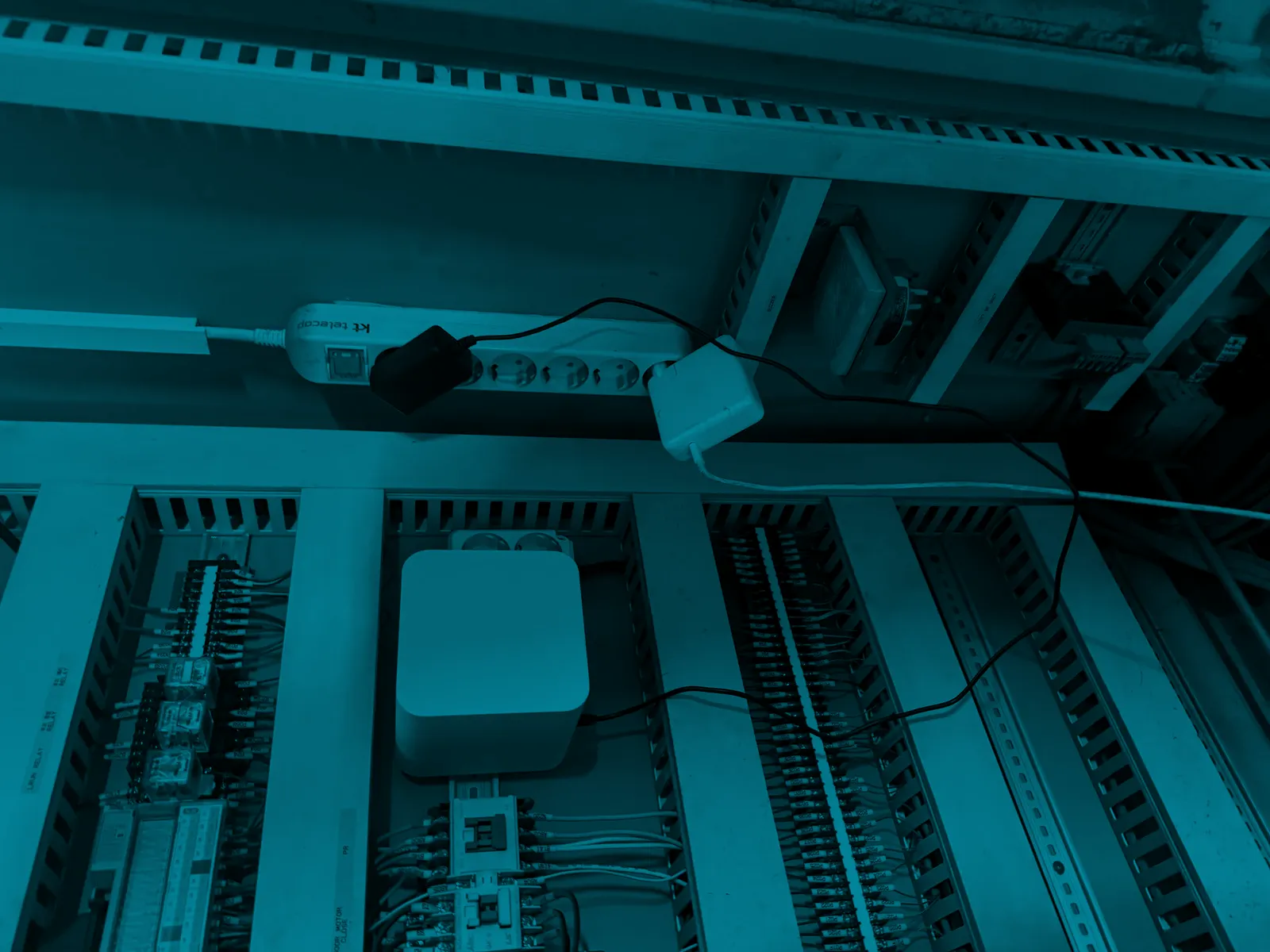
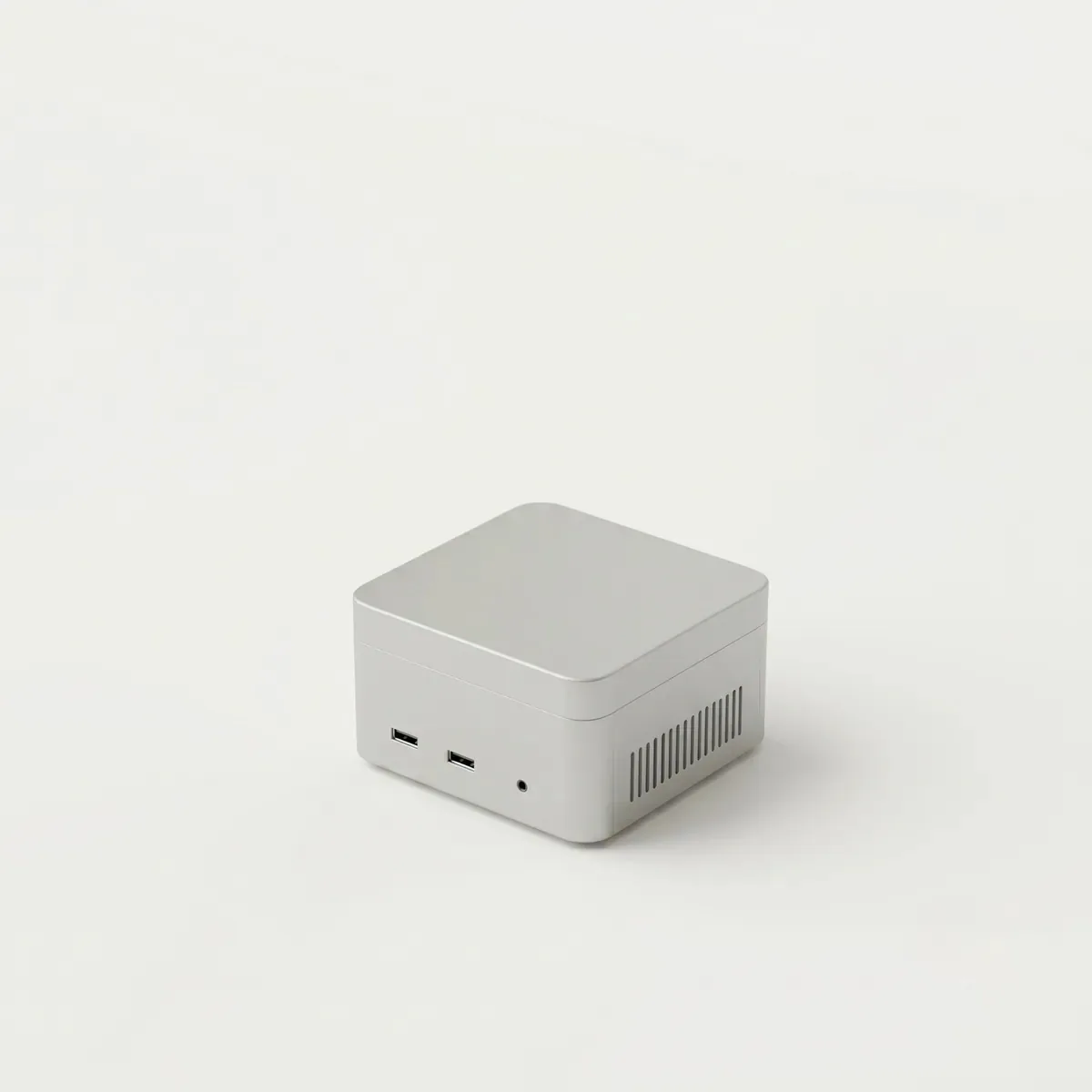
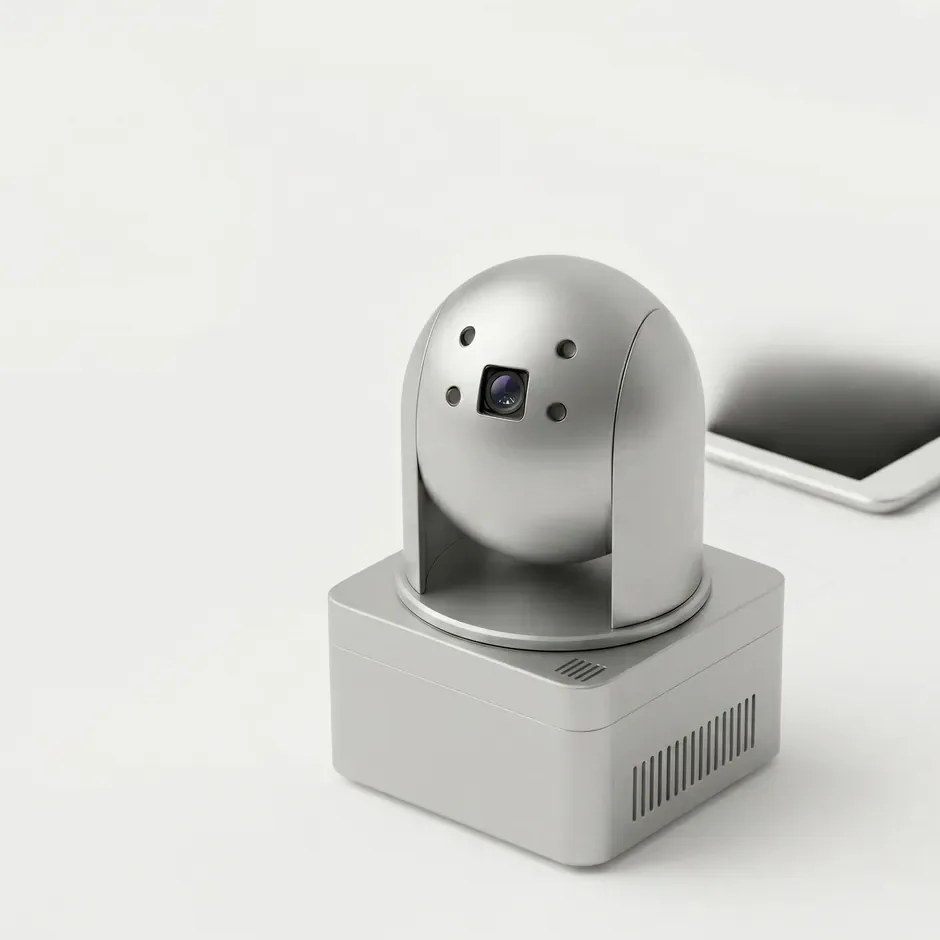
FLUX works with the towers you already have. The gateway fits inside the existing control cabinet in a single visit. The machine stays exactly as it is, except that now it can be heard.
- 1
Your tower
Any age, any make
The controller, the motors and the safety circuit stay exactly as they are.
- 2
FLUX Gateway
Inside the cabinet
Reads the PLC over RS-232/485 and carries out commands once they are approved.
- 3
FLUX Cloud
Always on
Turns machine data into alerts, history and insight, and keeps every device up to date.
- 4
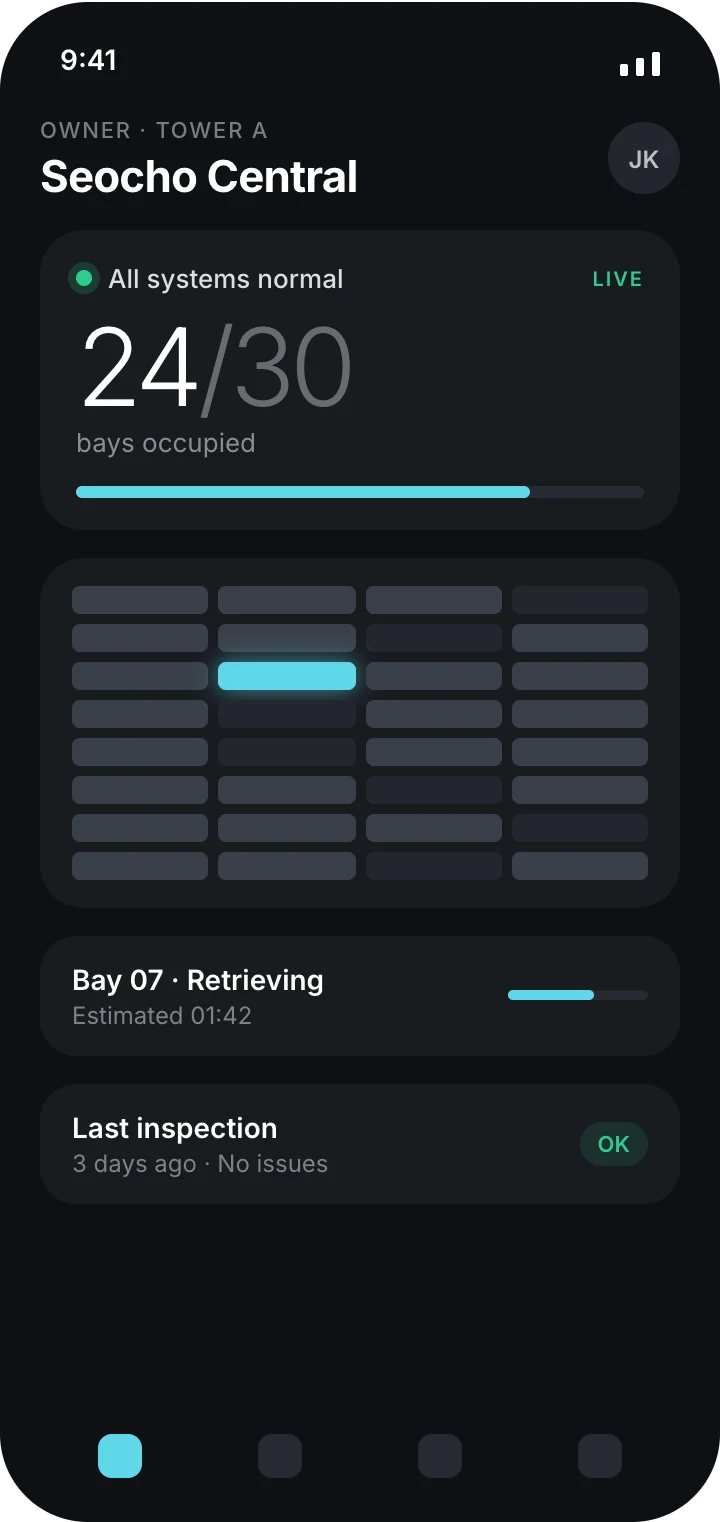
FLUX Apps
For your people
Owners, operators and technicians see the same live picture and act on it.
Any tower.
Two ways to connect it.
Every tower uses its own controller and protocol. FLUX is not tied to one manufacturer. A remote site assessment decides which path fits.
Path A
Controller analysis
No hardware change. FLUX analyses the existing controller's communication, builds a site profile and applies it remotely, without a reboot.
Path B
Interface replacement
Where analysis is not possible, the operator panel is replaced with FLUX Touch Panel and, if needed, the controller with a supported model. Motors and safety wiring stay.
After installation, everything happens remotely.
Monitoring, error handling, software updates and new site roll-outs. Nobody needs to drive to the tower.
Remote monitoring
A heartbeat every 60 s and telemetry every 5 s. Three minutes of silence marks the tower offline and opens a critical ticket automatically.
Remote error handling
Alarms are classified as they arrive. Only commands an operator approves after a camera check and checklist are executed, and every result is logged.
Remote updates
A/B partitions, a 120-second health gate, and an automatic return to the previous version after three failed starts.
- 1Download
- 2Verify
- 3Install
- 4Restart
- 5Health gate
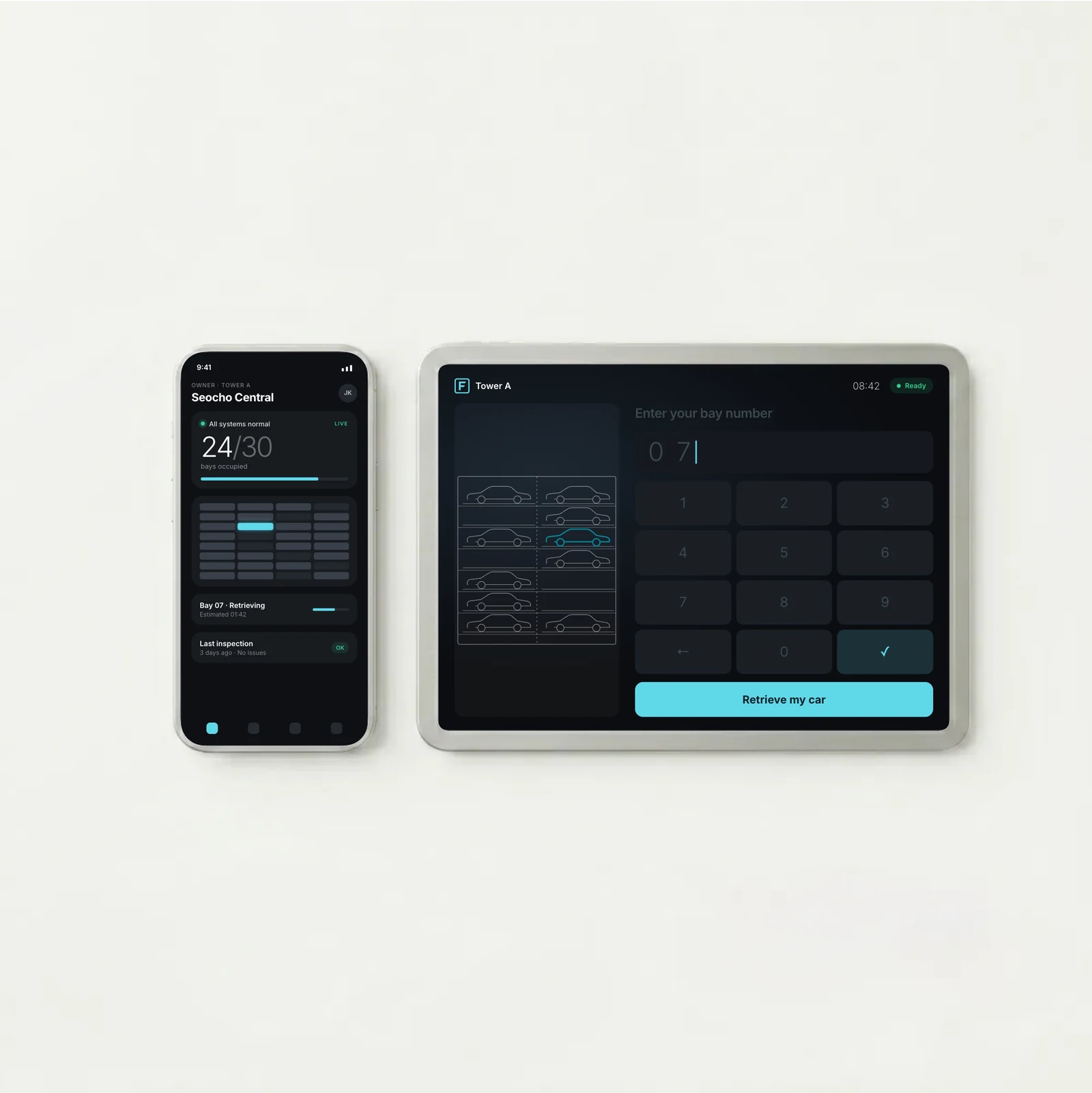
Four checks before anything moves.
Remote control is only worth having if it is safe. Every command passes four checks, and the machine's own safety system always has the last word.
The machine stays in charge
Emergency stops and interlocks stay hard-wired in the original controller. FLUX is designed so it cannot override them.
The fault is checked
Alarm codes are classified as they arrive. Safety-critical faults can never be reset remotely.
Someone looks
An operator checks the live camera and a safety list, then approves the command.
The hardware falls back
If anything in the FLUX chain fails, a watchdog and a relay hand control straight back to the panel.
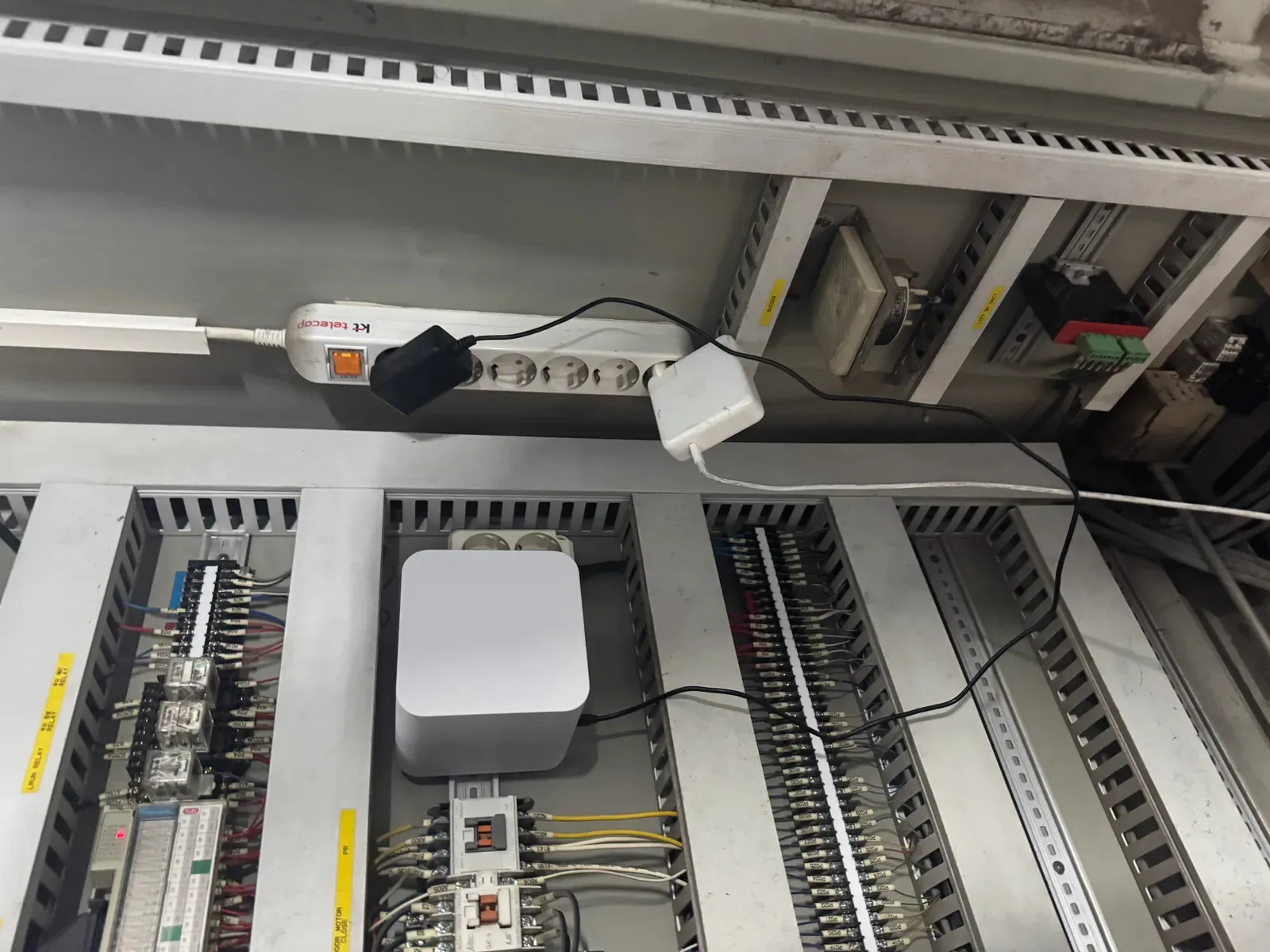
Already at work in Seoul and Busan.
A FLUX Gateway in a working control cabinet in Seoul. The machine itself was not changed.
Pilot programme: 3 sites, 153 units, 3 weeks. Seoul and Busan, 2026.A few photos are enough to check compatibility.
- 1
Check
Send us the controller model and a few photos of the cabinet. We confirm it will work.
- 2
Fit
One visit. The gateway goes inside the existing cabinet.
- 3
Run
Thirty days of live data and a weekly report on real incidents.
- 4
Roll out
Extend to all your sites at partner pricing.